
Standard
For a focused project.
$2.99 / month
View on App Store- Voice-to-text capture
- 1 project
- PDF export
- Basic filtering
CONSTRUCTION PUNCH LISTS, BUILT FOR THE FIELD
Capture by voice. Review by project. Share a clear punch list with the people doing the work.
Made for iPhone. Built for the jobsite.
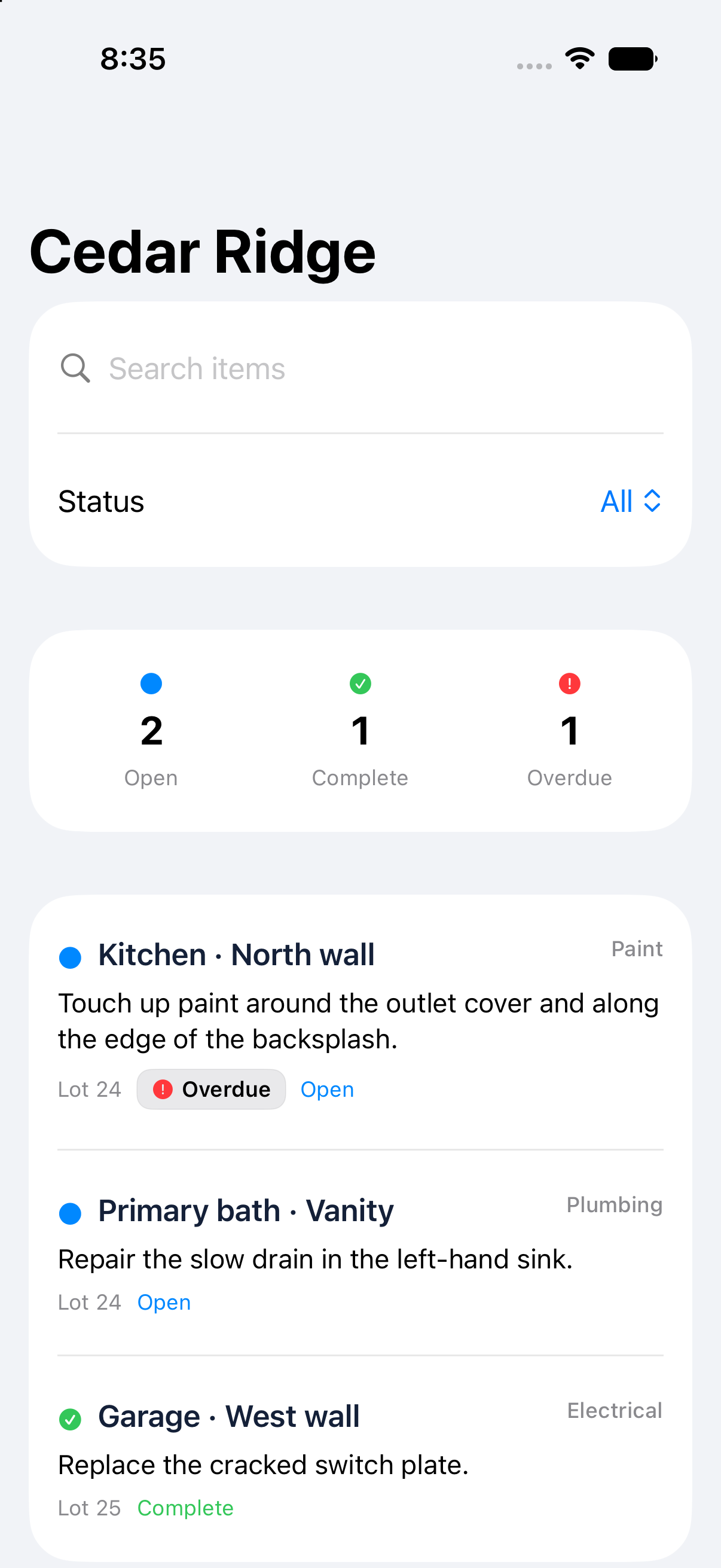
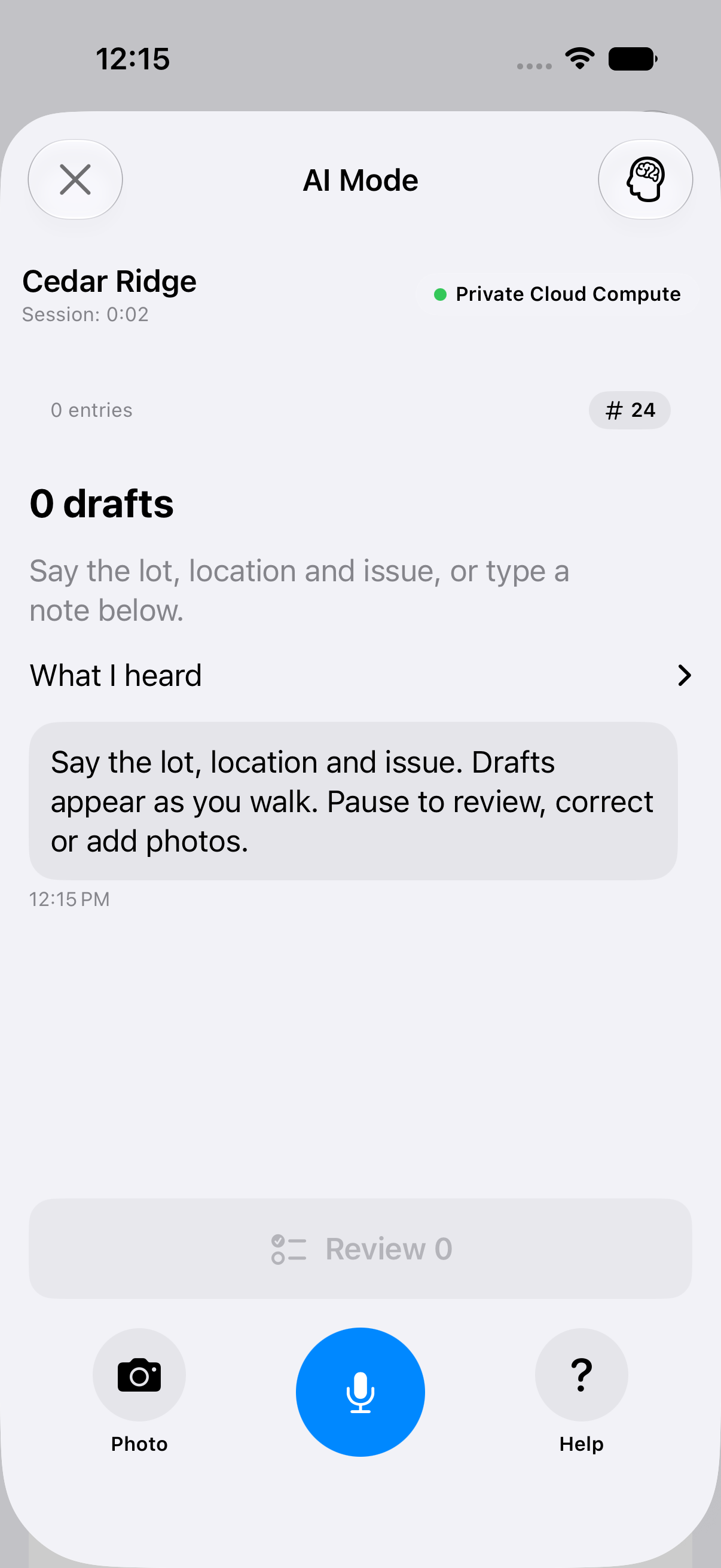
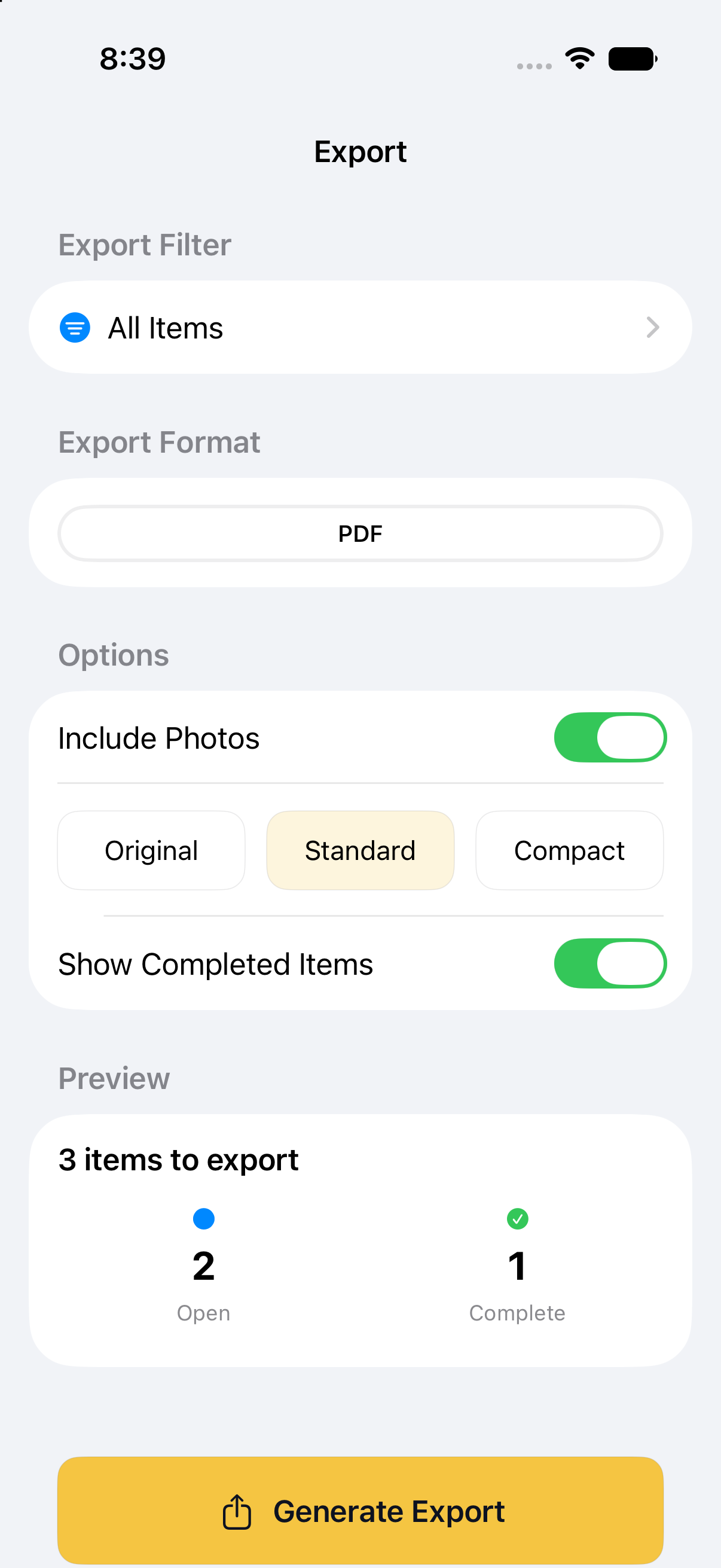
Actual app screens · illustrative project data
Voice-first punch items.
Projects, locations and trades.
Reports you can share.
THE APP, UP CLOSE
Capture observations on site. Review the details before saving. See where the work stands.
Start a voice session in AI Mode. Keep the project and lot in context as you walk.
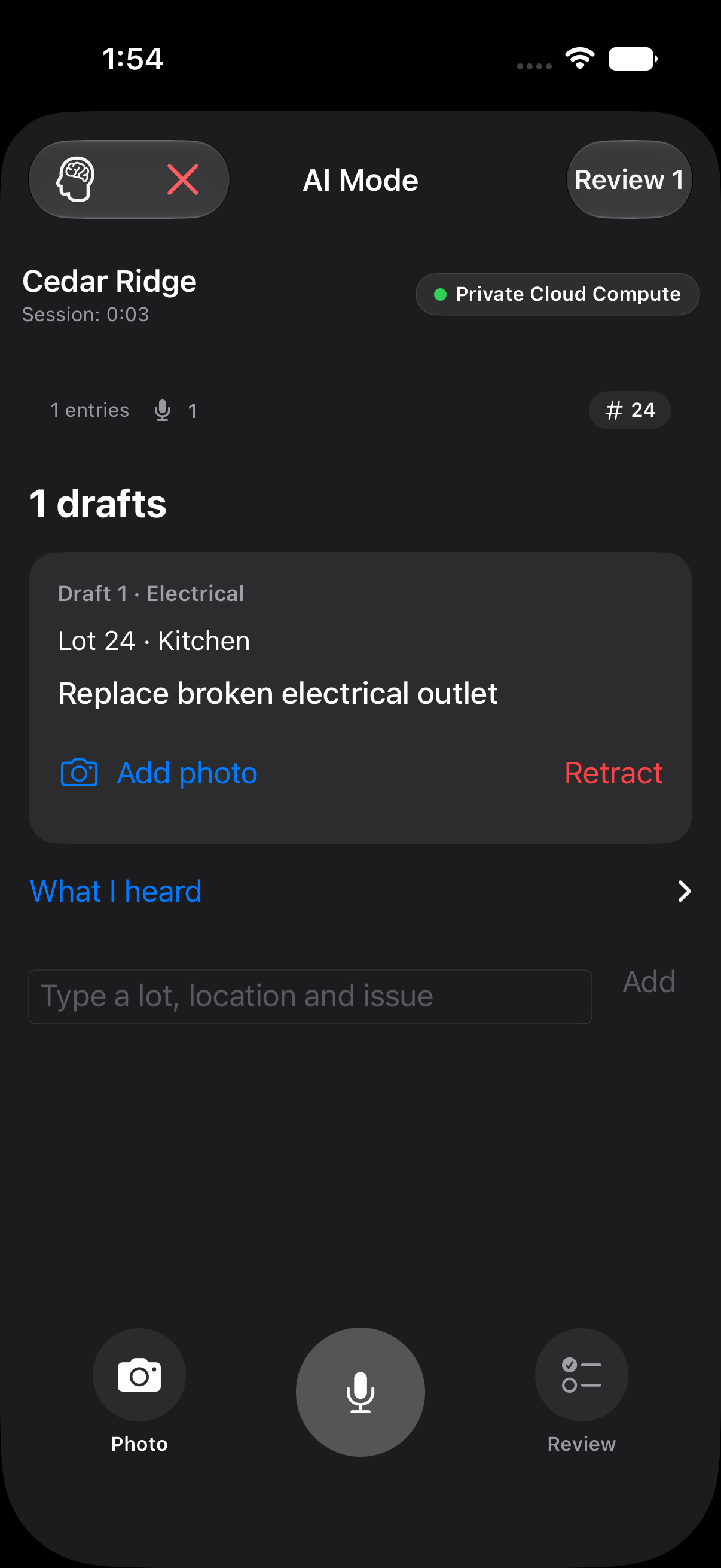
Check the description, location and trade. Correct the details and add photos before saving.
Keep each punch item connected to its location, trade and lot. See what’s open, overdue or complete.
App captures use sample data. Features and AI availability depend on your plan, device and workspace.
FROM THE WALK TO THE WORK
See a detail. Say it out loud. Keep it organized.
The work is in the field. Your list should be, too.
Interactive example. Sample data, no microphone needed.
AN EXAMPLE WALKTHROUGH
“Lot 24. Touch up the paint around the kitchen outlet. And the left sink in the primary bath is draining slowly.”Sample voice transcript
YOUR WORK. YOUR WORKFLOW.
Whether you’re walking a whole project or
checking your own work, start with the details.
THE BUILDER’S WALKTHROUGH
Move through the project with a punch list that keeps each item connected to its location, trade and status.
Kitchen · North wall
THE WALK DOESN’T END AT THE DOOR
A punch list is useful when the next person can use it. Bring the project’s details into a report that’s ready to share.
A TOOL THAT FITS YOUR WORK
Builder / Superintendent plans. U.S. monthly prices shown.
Standard
For a focused project.
$2.99 / month
View on App StorePro
For more moving parts.
$6.99 / month
View on App StorePremier
For a fuller field toolkit.
$12.99 / month
View on App StoreU.S. App Store monthly prices. Availability, local pricing and subscription terms are shown before purchase. Eligible builder accounts have a 21-day trial: 7 days of Premier, then 7 days of Pro, then 7 days of Standard.
Separate role-specific subscriptions, each $9.99/month in the U.S. App Store. Eligible accounts have a 7-day trial. Choose your role in the app and review the current offer before subscribing.
View role-specific plans on the App StoreFASTPUNCH ENTERPRISE
For production builders and multi-project teams. Connect field capture with the people assigning, completing and reviewing the work.
Capture on iPhone. Manage punch items in the web portal. Keep projects, lots, assignments and review status together.
ENTERPRISE SEAT PRICING
Monthly pricing per paid seat, in USD.
| Paid seats | Per seat / month |
|---|---|
| 1–10 | $30 |
| 11–25 | $27 |
| 26–50 | $24 |
| 51–100 | $21 |
| 101+ | Custom quote |
Enterprise is separate from personal App Store subscriptions. Contact sales to confirm your quote, onboarding and billing terms.
FastPunch has workflows for builders and superintendents, trade contractors doing quality checks, and home inspectors documenting their findings.
Yes. Standard includes PDF export. Pro adds CSV export and share links. Premier includes branded reports. Check the App Store for the current plan details.
Open the FastPunch listing in the App Store on your iPhone. You can review device requirements, available plans and subscription terms before downloading.
Eligible builder accounts start with 7 days of Premier, followed by 7 days of Pro and 7 days of Standard. Trade QC and Home Inspector each have a separate 7-day trial. Check eligibility and the current subscription offer in the app; enterprise arrangements are handled separately.